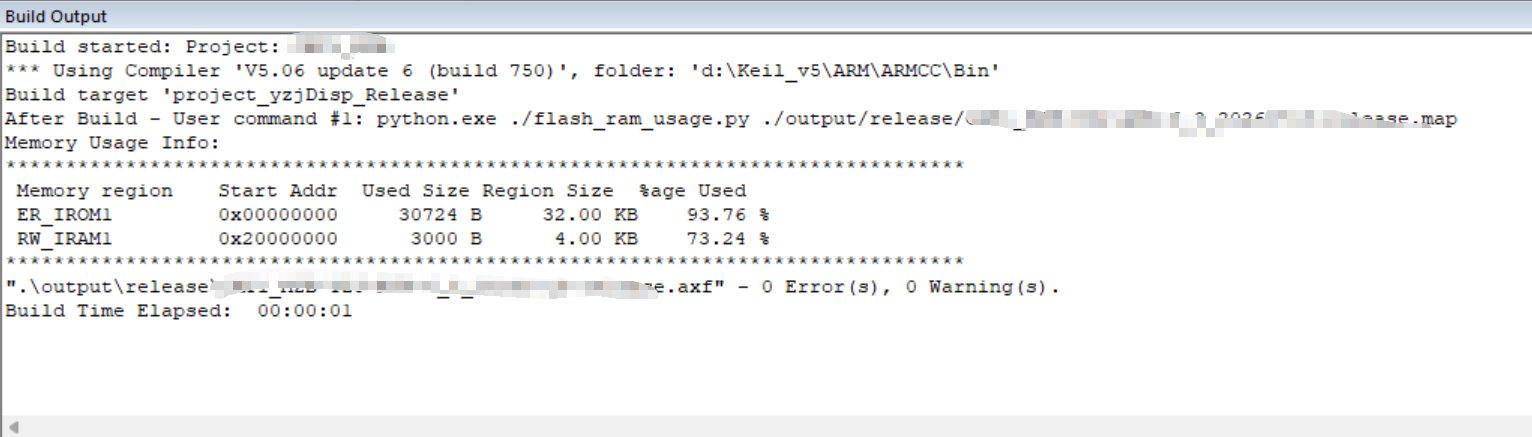
在Keil或IAR编译后如何可视化显示Flash和Ram的使用情况
1 Answers
可以通过python插件的方式自动计算flash和ram的使用情况
使用前需要安装python环境,插件会使用到一些python模块,需自行安装
python插件
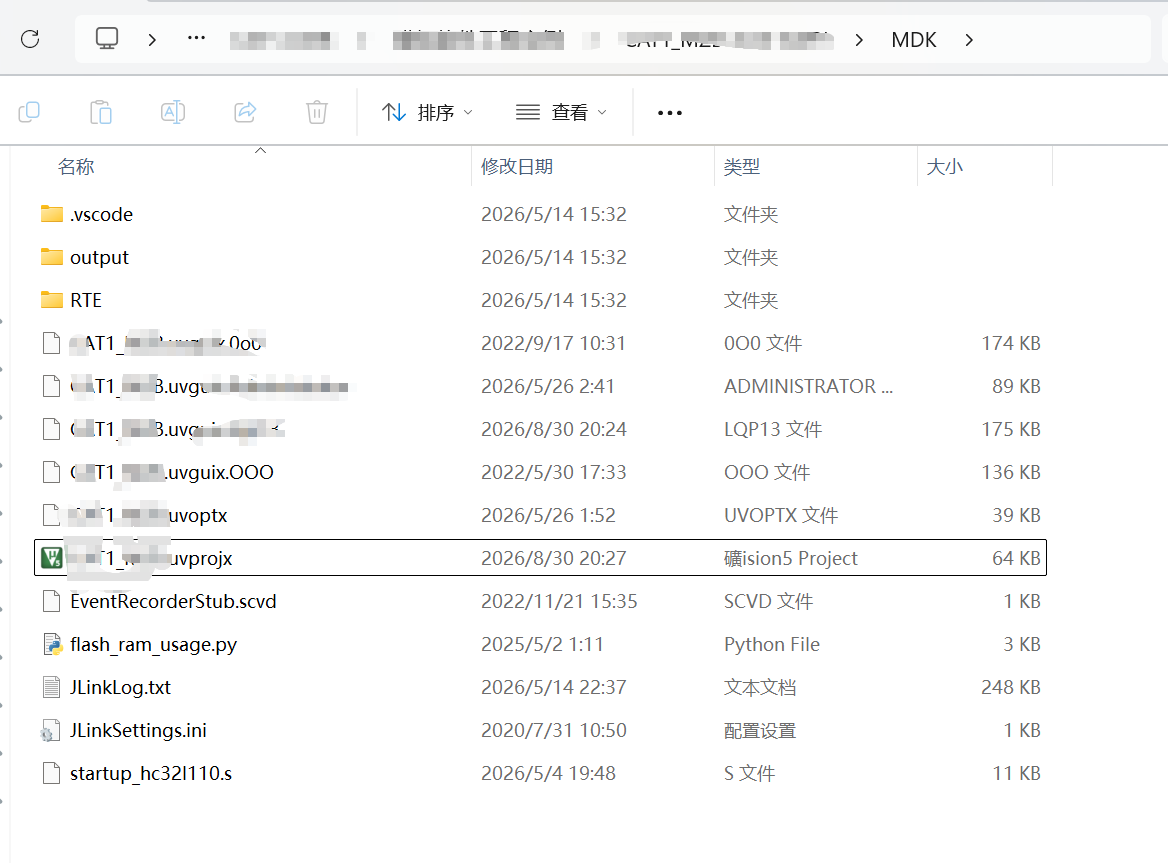
- python执行文件:flash_ram_usage.py
- python文件要和Keil执行文件放在同一个路径下,其他路径需同步更改Keil配置的执行文件
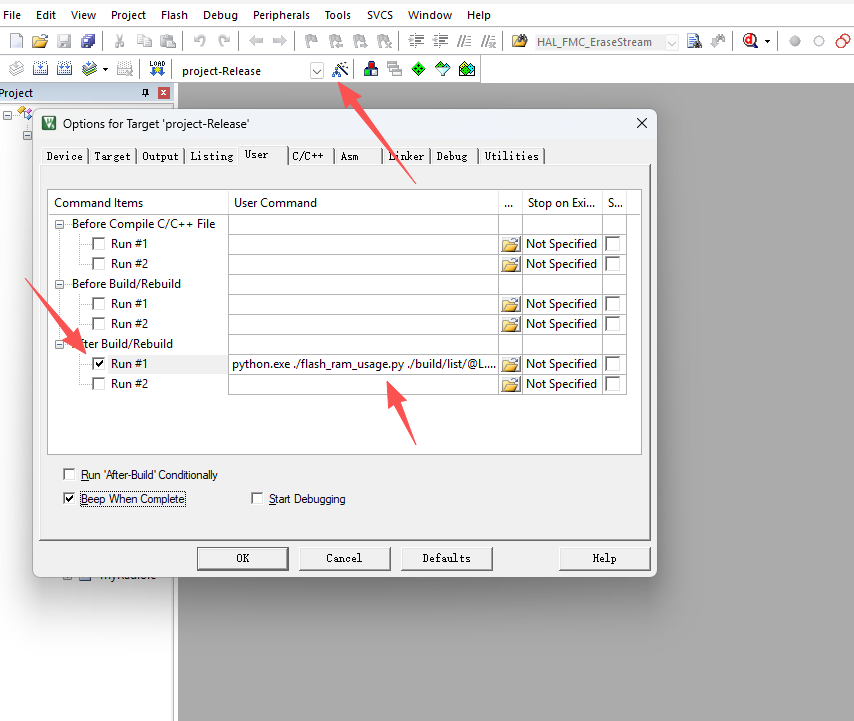
Keil配置
执行语句,./build/list为map文件的路径
python.exe ./flash_ram_usage.py ./build/list/@L.map
执行结果
Build started: Project:
*** Using Compiler 'V5.06 update 6 (build 750)', folder: 'd:\Keil_v5\ARM\ARMCC\Bin'
Build target 'project_yzjDisp_Release'
After Build - User command #1: python.exe ./flash_ram_usage.py ./output/release/release.map
Memory Usage Info:
********************************************************************************
 Memory region		Start Addr	Used Size	Region Size	 %age Used
 ER_IROM1     		0x00000000	   30724 B	   32.00 KB	   93.76 %
 RW_IRAM1     		0x20000000	    3000 B	    4.00 KB	   73.24 %
********************************************************************************
".\output\release\release.axf" - 0 Error(s), 0 Warning(s).
Build Time Elapsed:  00:00:01